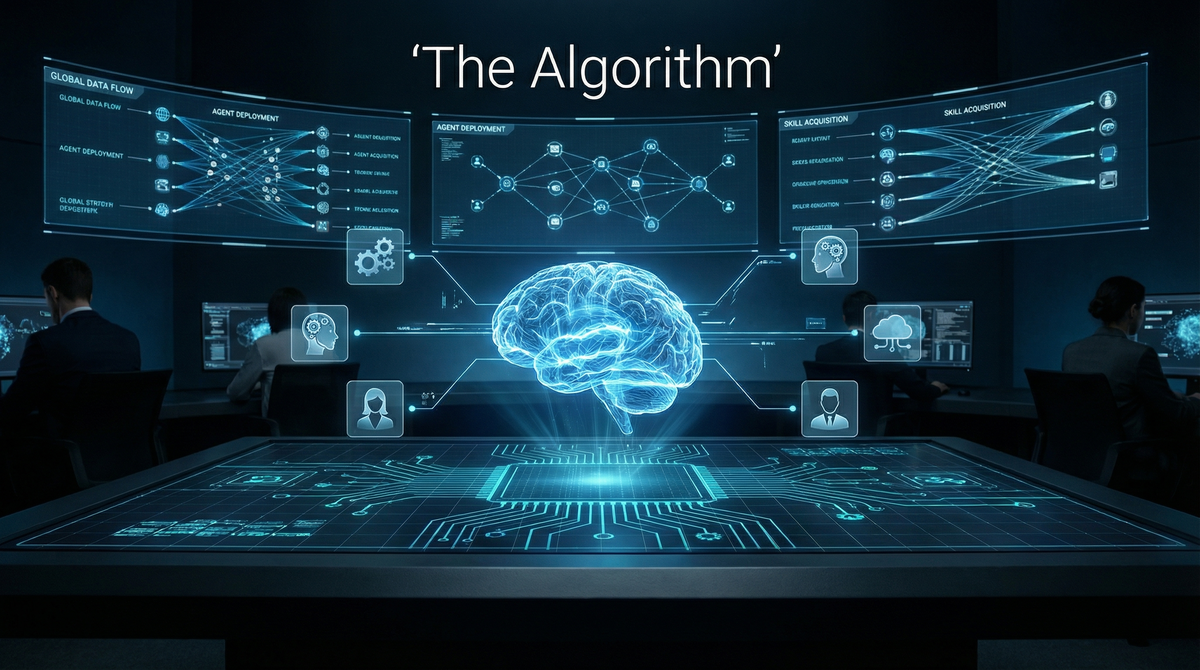
Personal AI Infrastructure has evolved from a simple assistant into a full-fledged cognitive operating system. With version 2.4.0—codenamed “The Algorithm”—PAI introduces a systematic 7-phase problem-solving framework, 28 specialized skills, and a roster of 12 named agents with distinct personalities and expertise areas.
This post provides a complete tour of what’s possible.
The PAI Algorithm: 7 Phases of Problem-Solving
Every task PAI handles follows a consistent methodology:
| Phase | What Happens |
|---|---|
| OBSERVE | Gather information, understand current state |
| THINK | Analyze intent, identify success criteria |
| PLAN | Define testable success conditions (ISC) |
| BUILD | Construct solution components |
| EXECUTE | Take action, track progress |
| VERIFY | Confirm all criteria met with evidence |
| LEARN | Capture insights for future improvement |
The key innovation is Ideal State Criteria (ISC)—exactly 8-word, binary-testable success conditions. Before PAI acts, it defines what “done” looks like:
ISC: "All unit tests pass after fix applied"     ✓ VERIFIED
ISC: "No credentials exposed in output"          ✓ AVOIDED (anti-criteria)
This eliminates ambiguity. Either the criterion is met, or it isn’t.
Named Agents: Specialists on Demand
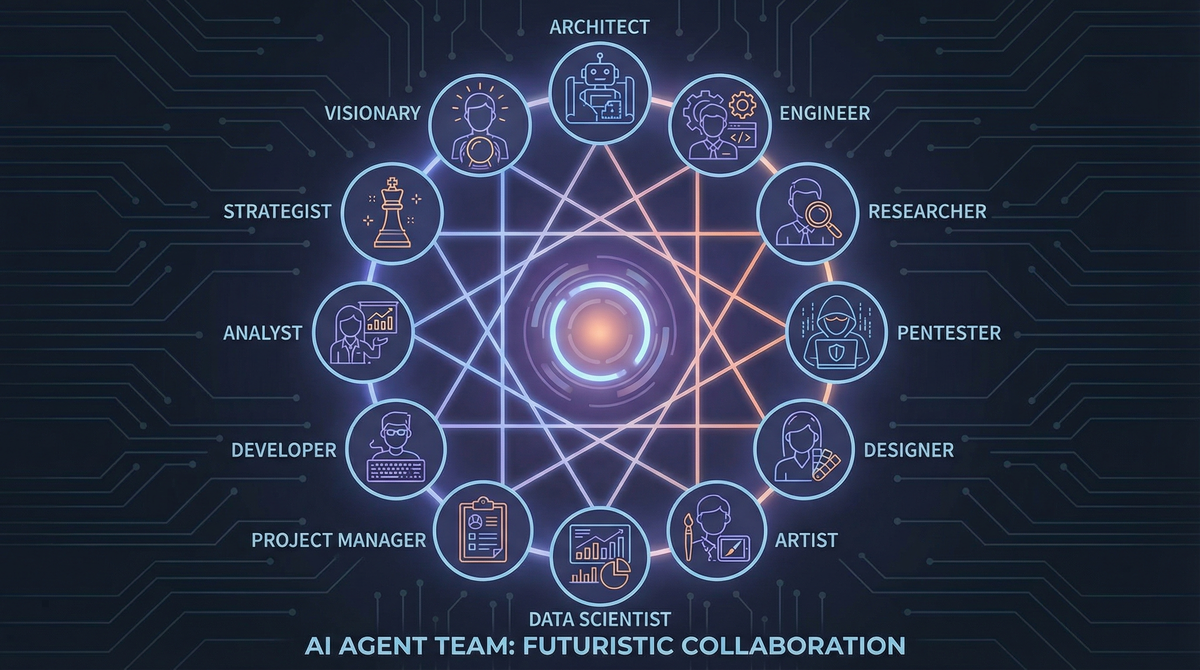
PAI v2.4.0 includes 12 named agents, each with distinct expertise and personality. They’re not just prompts—they have backstories, working styles, and specialized knowledge that shapes their approach.
Strategic & Design Agents
| Agent | Specialty | When to Use |
|---|---|---|
| Algorithm (Vera Sterling) | ISC expert, verification specialist | Extracting testable criteria, any PAI Algorithm phase work |
| Architect | Elite system design, Fortune 10 experience | Architectural decisions, feature specs, implementation plans |
| Designer | Elite UX/UI, design school pedigree | Wireframes, mockups, design systems, accessibility |
Implementation Agents
| Agent | Specialty | When to Use |
|---|---|---|
| Engineer | Principal engineer, TDD expert | Implementation work, browser-validated development |
| Artist | Visual content via AI generation | Hero images, thumbnails, any image/video generation |
| Intern (Dev Patel) | 176 IQ genius generalist, 5 PhDs | Complex multi-faceted problems, creative solutions |
Research Agents
| Agent | Specialty | When to Use |
|---|---|---|
| ClaudeResearcher (Ava Sterling) | Strategic academic research | Scholarly research, multi-query investigations |
| GeminiResearcher (Alex Rivera) | Multi-perspective research | Comprehensive stakeholder coverage, scenario planning |
| GrokResearcher (Johannes) | Contrarian fact-based research | Social/political analysis, X (Twitter) sentiment |
| CodexResearcher (Remy) | Technical research via Codex CLI | TypeScript/API research, edge cases |
Security & QA Agents
| Agent | Specialty | When to Use |
|---|---|---|
| Pentester (Rook Blackburn) | Offensive security, ethical hacking | Vulnerability assessments, penetration testing |
| QATester | Browser-based QA validation | Mandatory before claiming web implementation complete |
You invoke agents naturally: “Use Architect to design the system” or “Have Intern solve this complex problem.”
28 Skills Across 6 Categories
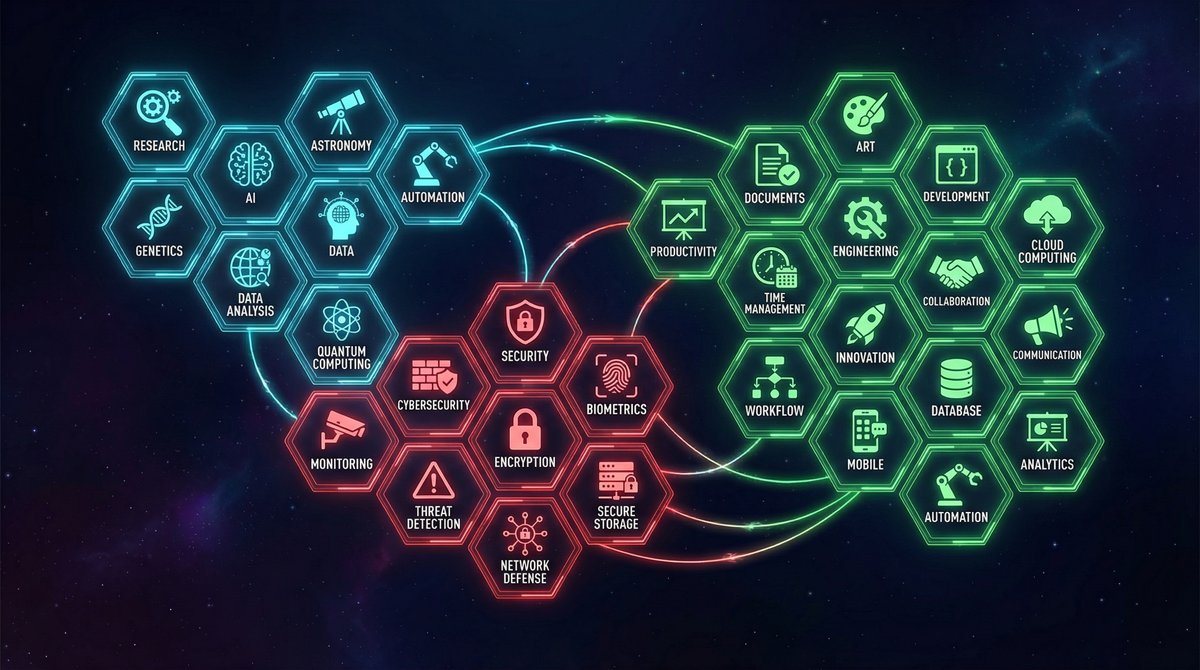
Skills are self-contained modules that give PAI domain expertise. They include workflows (step-by-step processes), tools (TypeScript utilities), and context (reference material).
Research & Analysis
| Skill | What It Does | Say This |
|---|---|---|
| Research | Multi-agent parallel research (1-12 agents) | “Research [topic]”, “Extensive research on…” |
| Fabric | 240+ specialized analysis patterns | “Extract wisdom from…”, “Summarize…” |
| FirstPrinciples | Fundamental reasoning without assumptions | “First principles analysis of…” |
| Council | Multi-agent debate for complex topics | “Get multiple perspectives on…” |
| BeCreative | Extended thinking for creative work | “Be creative with…”, “Deep thinking on…” |
Security & Intelligence
| Skill | What It Does | Say This |
|---|---|---|
| WebAssessment | Web application security testing | “Pentest this application” |
| Recon | Network/infrastructure reconnaissance | “Recon this domain” |
| OSINT | Open source intelligence gathering | “Background check on…” |
| RedTeam | Adversarial analysis (32 agents!) | “Red team this idea” |
| PromptInjection | LLM security testing | “Test this AI for prompt injection” |
| SECUpdates | Security news aggregation | “What’s new in security?” |
| AnnualReports | 570+ security vendor reports | “Security industry trends” |
Documents & Content
| Skill | What It Does | Say This |
|---|---|---|
| Documents | Process DOCX, PDF, PPTX, XLSX | “Create a Word doc…”, “Build a presentation…” |
| Art | Visual content creation | “Create a diagram…”, “Make a flowchart…” |
| Aphorisms | Quote matching for content | “Find a quote about…” |
Data & Web Scraping
| Skill | What It Does | Say This |
|---|---|---|
| Apify | Social media & business data scraping | “Get tweets from…”, “Scrape Instagram…” |
| BrightData | Progressive 4-tier web scraping | “Scrape this URL” |
| Browser | Browser automation with debugging | “Screenshot this page” |
Development & System
| Skill | What It Does | Say This |
|---|---|---|
| CreateCLI | Generate TypeScript CLI tools | “Create a CLI for…” |
| CreateSkill | Build new PAI skills | “Create a skill for…” |
| Evals | Agent testing framework | “Evaluate this agent” |
| Agents | Custom agent creation | “Create a custom agent” |
Personal & Productivity
| Skill | What It Does | Say This |
|---|---|---|
| Telos | Life OS, goals, projects | “Update my goals” |
| VoiceServer | Voice notifications (ElevenLabs) | “Enable voice notifications” |
| PAIUpgrade | System improvements | “Check for PAI upgrades” |
70+ Tools and the Hook System
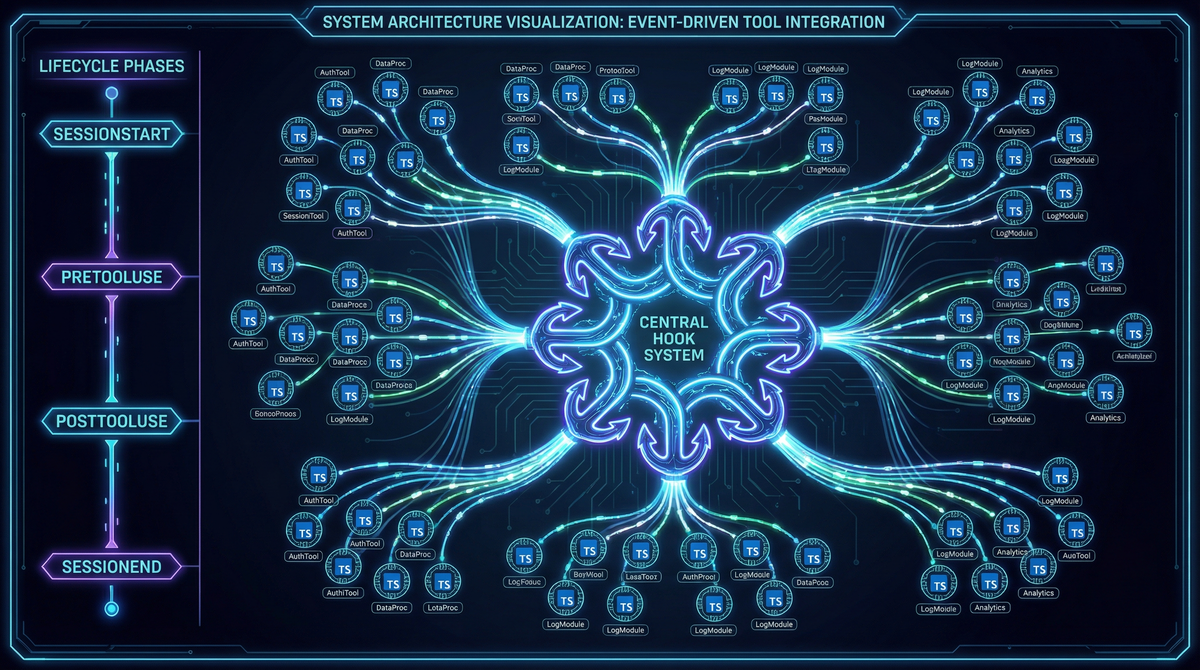
Beyond skills and agents, PAI includes 70+ TypeScript tools for specific operations:
Core System Tools
- SkillSearch.ts - Discover available capabilities
- SessionProgress.ts - Track session state
- SecretScan.ts - Credential detection
- LearningPatternSynthesis.ts - Learn from interactions
Agent Tools
- ComposeAgent.ts - Dynamic agent composition from traits
- SpawnAgentWithProfile.ts - Spawn agents with specific profiles
- LoadAgentContext.ts - Load agent knowledge
Content Creation Tools
- Generate.ts - Image generation (Flux, GPT-Image-1, Gemini)
- GenerateMidjourneyImage.ts - Midjourney via Discord
- ComposeThumbnail.ts - Thumbnails with text overlays
- RenderTemplate.ts - Handlebars template rendering
Security Tools
- PortScan.ts - Port scanning
- SubdomainEnum.ts - Subdomain enumeration
- DnsUtils.ts - DNS reconnaissance
- EndpointDiscovery.ts - API endpoint discovery
The Hook System
PAI’s hook system enables automation at key lifecycle points:
- PreToolUse - Security validation before tool execution
- PostToolUse - Logging, state updates after actions
- SessionStart - Context loading, update checks
- SessionEnd - Summary capture, cleanup
- UserPromptSubmit - Tab titles, event capture
- PreCompact - Context compression before summarization
This allows PAI to maintain awareness across sessions and trigger workflows automatically.
How Dynamic Invocation Works
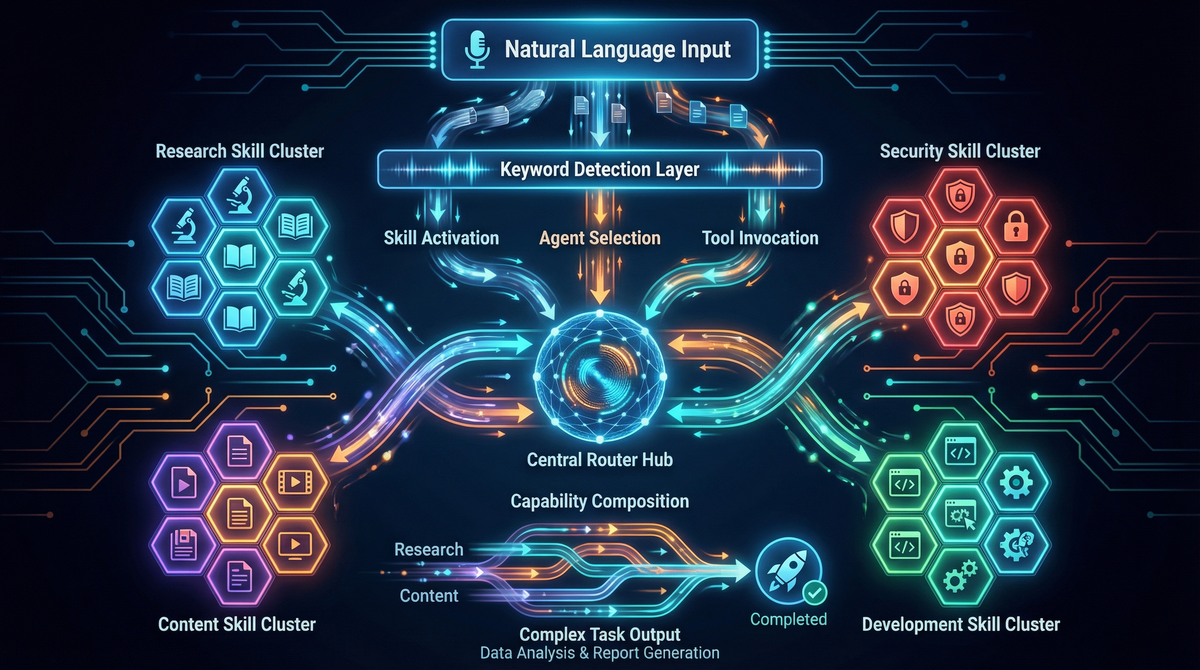
PAI uses natural language routing to activate the right capabilities. You don’t need to remember command syntax—just describe what you need.
Automatic Skill Routing
| If You Say… | PAI Activates |
|---|---|
| “research”, “investigate” | Research skill |
| “extract wisdom”, “summarize” | Fabric skill |
| “red team”, “stress test” | RedTeam skill |
| “first principles” | FirstPrinciples skill |
| “pentest”, “security assessment” | WebAssessment skill |
| “recon”, “attack surface” | Recon skill |
| “OSINT”, “due diligence” | OSINT skill |
| “diagram”, “flowchart” | Art skill |
| “Word doc”, “PDF”, “Excel” | Documents skill |
Capability Selection
Before each phase of a task, PAI evaluates:
- Which Skill has domain expertise?
- Should Agents work in parallel?
- Is Research needed for information?
- Should we Red Team the approach?
- Does this need First Principles decomposition?
- Is Creativity required?
- Does Browser need to validate?
This creates an adaptive system that assembles the right combination of capabilities for each unique request.
Power User Examples
Research Modes
"Quick research on X"        → 1 agent, ~30 seconds
"Research X"                 → 3 agents, ~3 minutes (default)
"Extensive research on X"    → 12 agents, ~10 minutes
Security Testing
"Recon example.com"          → Passive reconnaissance
"Web assessment of [URL]"    → Full security testing methodology
"OSINT on [company]"         → 16-32 agents for due diligence
Content Creation
"Extract wisdom from [URL]"  → IDEAS, INSIGHTS, QUOTES, HABITS
"Create a technical diagram" → Architecture/flow diagrams
"Build a presentation on..." → PPTX with slides
Adversarial Analysis
"Red team my business idea"  → 32 agents stress-test your concept
"Steelman then attack X"     → Build strongest version, then critique
The Five Completion Gates
PAI doesn’t consider work “done” until it passes five gates:
- Tests pass - Unit/integration tests green
- Build succeeds - No compilation errors
- Lint clean - No linting warnings
- Browser validated - QATester confirms UI works
- ISC verified - All criteria met with evidence
This systematic approach ensures quality and prevents premature “completion.”
Getting Started
PAI v2.4.0 is built on Daniel Miessler’s Claude Engineer foundation, extended with custom skills, agents, and workflows. The core insight: AI becomes dramatically more useful when it operates within a structured system that maintains context, enforces quality, and adapts to your specific needs.
The modular architecture means you can start simple—a few personal skills for your common tasks—and expand as your needs grow. Every skill is just markdown. Every agent is just configuration. The complexity is hidden until you need it.
By the Numbers
| Category | Count |
|---|---|
| Skills | 28 |
| Named Agents | 12 |
| Tools | 70+ |
| Workflows | 331 |
| Fabric Patterns | 240+ |
| Annual Report Sources | 570+ |
PAI v2.4.0 “The Algorithm” - Your Personal AI Infrastructure