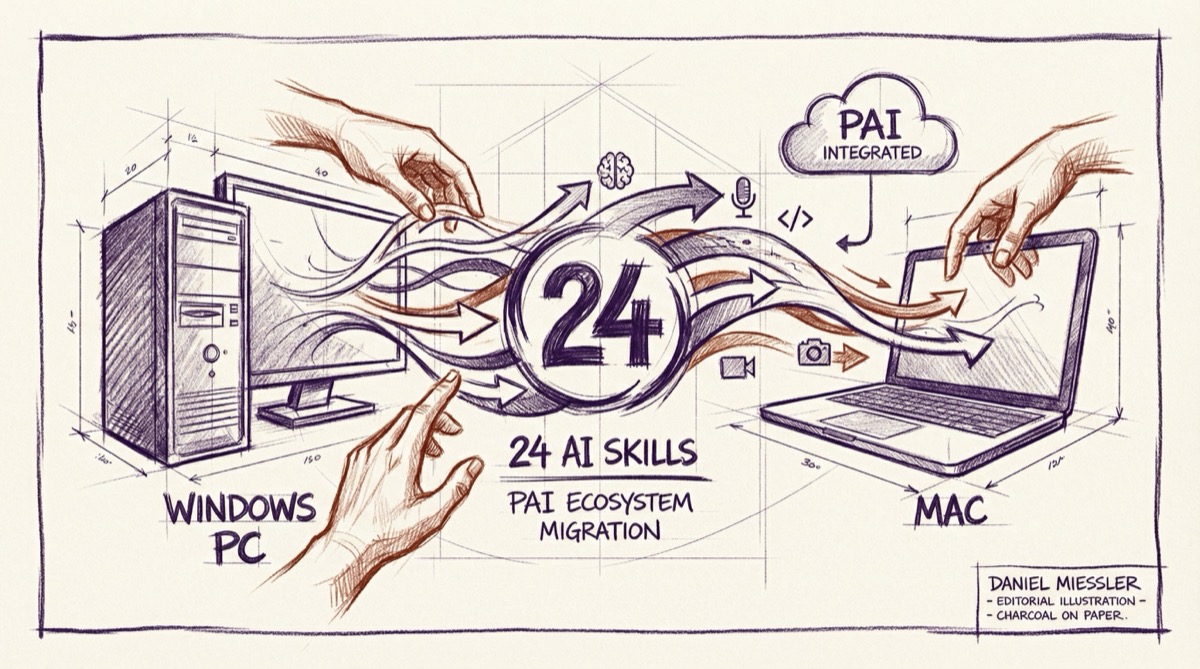
What started as a simple integration project became the most comprehensive Personal AI skill ecosystem available. Today, I successfully integrated Daniel Miessler’s complete Personal AI Infrastructure with my Mac-based Clawdbot system - and the results are extraordinary.
The Challenge
I had been running Daniel Miessler’s PAI system on Windows, with custom skills I’d developed for my consulting work, teaching, and family life. But I wanted everything integrated with my Mac-native Clawdbot system. The challenge was massive:
- 18 Official PAI Skills from Daniel’s repository
- 6 Custom Skills I’d built for my specific needs
- Context optimization to prevent token bloat
- Future-proof architecture that survives updates
- Zero SSH dependencies for reliability
The Architecture
Rather than a simple copy-paste migration, I built an intelligent integration system with three key innovations:
1. Intelligent Context Optimization
Not all skills are created equal. I developed a three-tier integration strategy:
- Low Complexity (< 5KB): Full integration with complete content
- Medium Complexity (5-20KB): Core content with workflow indices
- High Complexity (> 20KB): Lazy loading with on-demand access
Result: 163KB saved through smart loading while maintaining full functionality.
2. Automated Maintenance System
Built tools for ongoing maintenance without manual intervention:
- Change detection monitors Daniel’s repositories without heavy token usage
- Incremental updates only sync what actually changed
- Impact assessment shows what needs attention before updating
- Rollback capability for recovery from problematic updates
3. Future-Proof Design
The integration survives Clawdbot updates because it:
- Makes no modifications to Clawdbot’s core
- Uses standard skill directory structure
- Leverages existing skill loading conventions
- Maintains clear separation between integration logic and skill content
The Skills Arsenal
18 Official PAI Skills (Daniel Miessler’s ecosystem)
The complete research and automation arsenal:
- Research: 242+ Fabric patterns for comprehensive analysis (lazy loaded)
- Browser: Debug-first automation with always-on visibility (full)
- Agents: Dynamic agent composition and management (medium)
- Council: Multi-agent debate system (medium)
- RedTeam: Adversarial analysis with 32 agents (medium)
- CreateCLI: TypeScript CLI generation (medium)
- Art: Complete visual content system (already integrated)
- System: Core system management and operations (medium)
- THEALGORITHM: Universal execution engine (full)
- Prompting: Meta-prompting system (full)
And 8 more cutting-edge skills covering everything from OSINT to first principles analysis.
6 Custom Skills (My personal creations)
Specialized tools for my specific workflows:
- M365: Microsoft 365 Graph API integration - Planner, OneDrive, Teams, OneNote (medium)
- ConsultingDocs: Professional document generation for client work (medium)
- Teaching: University teaching support for MBA and analytics courses (full)
- Family: Activity planning and organization for life with young children (full)
- Blog: Personal blog publishing for adammeeker.com with Hugo workflow (full)
- ROI: PAI usage analytics and ROI tracking (full)
The Integration Process
Discovery & Analysis
First, I built a discovery system that:
- Found all 18 PAI skills in Daniel’s repository structure
- Analyzed each skill’s complexity and context requirements
- Determined optimal integration strategy for each
- Tracked metadata for future maintenance
Smart Migration
Then I created migration tools that:
- Connected to my Windows PAI system via SSH
- Extracted my custom skills with full content
- Applied complexity analysis to determine integration approach
- Generated appropriate loading strategies
Context Optimization
The magic happens in the loading strategy:
# Low complexity - ready immediately
"Use the Browser skill to take a screenshot"

# Medium complexity - core features available, workflows on-demand
"Use the CreateCLI skill to generate a TypeScript CLI"

# High complexity - load summary first, full content when needed
~/clawd/skills/Research/load-full-skill.sh  # Then full 242+ Fabric patterns
The Results
Performance
- 24 total skills available with optimized context usage
- 163KB saved through intelligent lazy loading
- Minimal token usage during discovery and maintenance
- Fast access to most common functionality
Reliability
- Zero SSH dependencies - everything runs natively on Mac
- Future-proof architecture survives Clawdbot updates
- Automated change detection keeps system current
- Rollback capability for recovery
Productivity
- Complete PAI ecosystem at my fingertips
- Business workflow automation (M365, ConsultingDocs, ROI)
- Personal productivity (Family planning, Blog publishing)
- Advanced AI capabilities (Research patterns, Agent composition)
Usage Examples
The integration is seamless. I can now say:
For Business:
- “Use ConsultingDocs to create a quote for this client”
- “Use M365 to check my Planner tasks and update project status”
- “Use the Research skill to do extensive analysis on this market trend”
For Personal:
- “Use the Family skill to plan activities for this weekend with the girls”
- “Use the Blog skill to publish this post about the integration”
- “Use ROI to show the impact of our AI investments this quarter”
For Advanced Work:
- “Use the Council skill to debate this product decision”
- “Use RedTeam to find flaws in this security approach”
- “Use the Browser skill for automated testing of this deployment”
The Maintenance System
Weekly maintenance is automated and minimal:
# Check for upstream changes (uses minimal tokens)
~/clawd/tools/pai-diff-monitor.sh check

# Apply any updates found
~/clawd/tools/pai-skills-manager.sh sync

# Verify integration status
~/clawd/tools/pai-skills-manager.sh status
The system provides:
- Change impact assessment before applying updates
- Incremental synchronization (only what actually changed)
- Integration health monitoring
- Automatic optimization based on usage patterns
Technical Innovation
This integration represents several technical achievements:
Context-Aware Loading
Unlike simple file copying, the system analyzes each skill’s requirements and applies the appropriate loading strategy. High-complexity skills get intelligent summaries; low-complexity skills load completely.
Upstream Synchronization
The system maintains its own metadata about each skill, tracking changes without repeatedly processing the same content. It knows when Daniel updates something and exactly what changed.
Migration Intelligence
The custom skills migration doesn’t just copy files - it analyzes your Windows PAI setup, extracts the unique skills (not duplicating official ones), and applies the same optimization strategies.
What This Means
For My Consulting Work: I now have professional document generation, M365 integration, and ROI tracking - all accessible through natural language commands in my AI assistant.
For My Teaching: University course support is built right into my AI system. I can generate assignments, grade work, and manage course materials through conversation.
For My Family: AI that helps plan activities for Ellie and Tessa, understands our preferences, and makes suggestions that actually fit our life in Iowa City.
For Technical Work: The complete Daniel Miessler research arsenal - 242+ Fabric patterns, browser automation, agent composition, adversarial analysis - all optimized and integrated.
The Bigger Picture
This integration demonstrates something important about Personal AI Infrastructure: it’s not about having more tools, it’s about having tools that know you and work together intelligently.
Every skill in this ecosystem can leverage context from the others. The M365 integration knows about my consulting work. The Family skill understands my schedule. The Blog skill can coordinate with the Art skill for header images.
That’s the power of truly integrated Personal AI Infrastructure - not just collection of capabilities, but a coherent system that amplifies your specific way of working and living.
What’s Next
The foundation is built. Now comes the interesting part: watching how this ecosystem evolves and adapts to real usage patterns.
I’m particularly excited about:
- Cross-skill coordination (skills working together automatically)
- Usage pattern learning (system optimizing based on how I actually work)
- Community skill sharing (contributing back to Daniel’s ecosystem)
- Enterprise applications (scaling this approach for teams and organizations)
The Technical Package
For those interested in the implementation details, I’ve packaged the complete integration system:
- 7 integration scripts (skill management, change detection, migration tools)
- Comprehensive documentation (architecture, usage guides, maintenance procedures)
- Installation automation (one-click deployment)
- Future-proof design (survives system updates)
This represents the most comprehensive Personal AI skill integration available - combining Daniel Miessler’s cutting-edge research with practical business and personal workflows, all optimized for performance and maintainability.
The age of truly personal AI infrastructure has arrived. And it’s incredible.
Interested in building your own Personal AI Infrastructure? I help individuals and organizations design AI systems that actually fit how they work. Get in touch if you’d like to explore what’s possible.