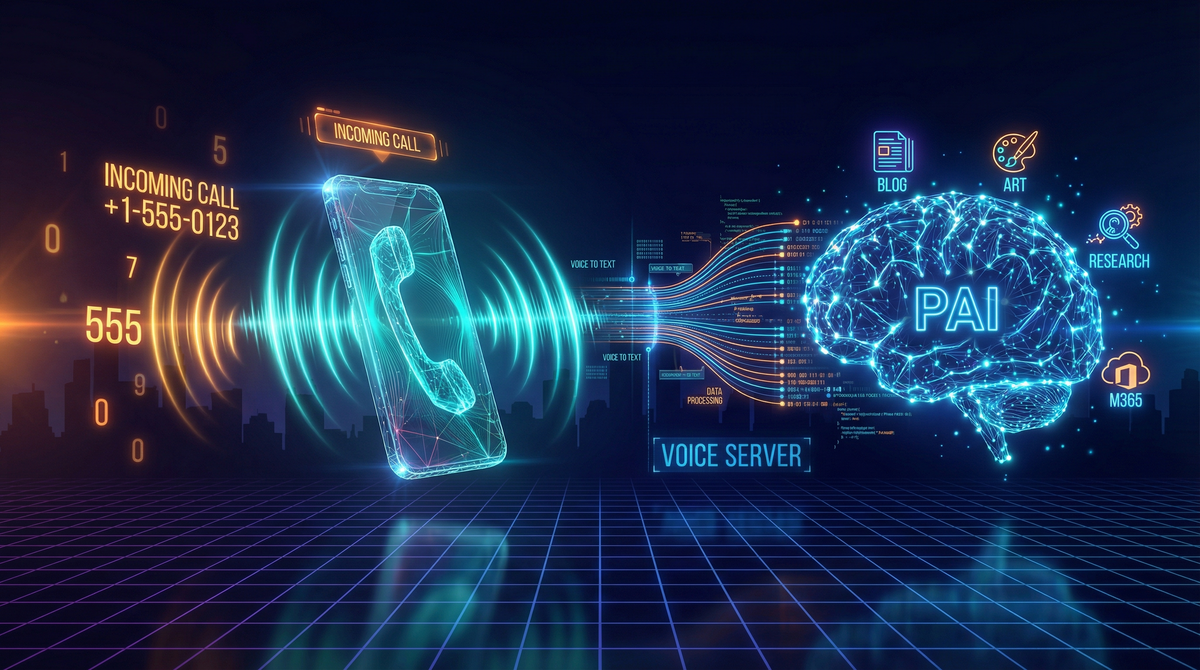
What if you could pick up the phone and talk to your AI infrastructure? Not through an app, not through a chat interface—just dial a number and have a conversation with Claude, powered by your own Personal AI Infrastructure.
That’s exactly what I’ve built with the PAI Voice Server.
From Text to Voice
PAI has always been about extensibility and control. The system already handles everything from Microsoft 365 integration to blog publishing through a skill-based architecture. But there was one interaction mode missing: voice.
The new voice server capabilities bring two complementary systems together:
Voice Notifications - The original voice server runs locally on macOS, providing text-to-speech notifications through ElevenLabs. When a long-running AI task completes, you hear about it immediately through high-quality AI voices. Each PAI agent gets its own voice identity—Kai sounds different from the Researcher, who sounds different from the Engineer.
Incoming Calls - The new Azure Communication Services integration takes it further. You can dial a dedicated local phone number and have a live conversation with Claude. The system uses my local GPU-accelerated Whisper server to transcribe what you say, sends it to Claude’s API for processing, and speaks the response back using Chatterbox—a local TTS system capable of voice cloning.
The Technical Stack
This is where it gets interesting. The voice server isn’t a single monolithic system—it’s an orchestration of specialized components, each doing what it does best.
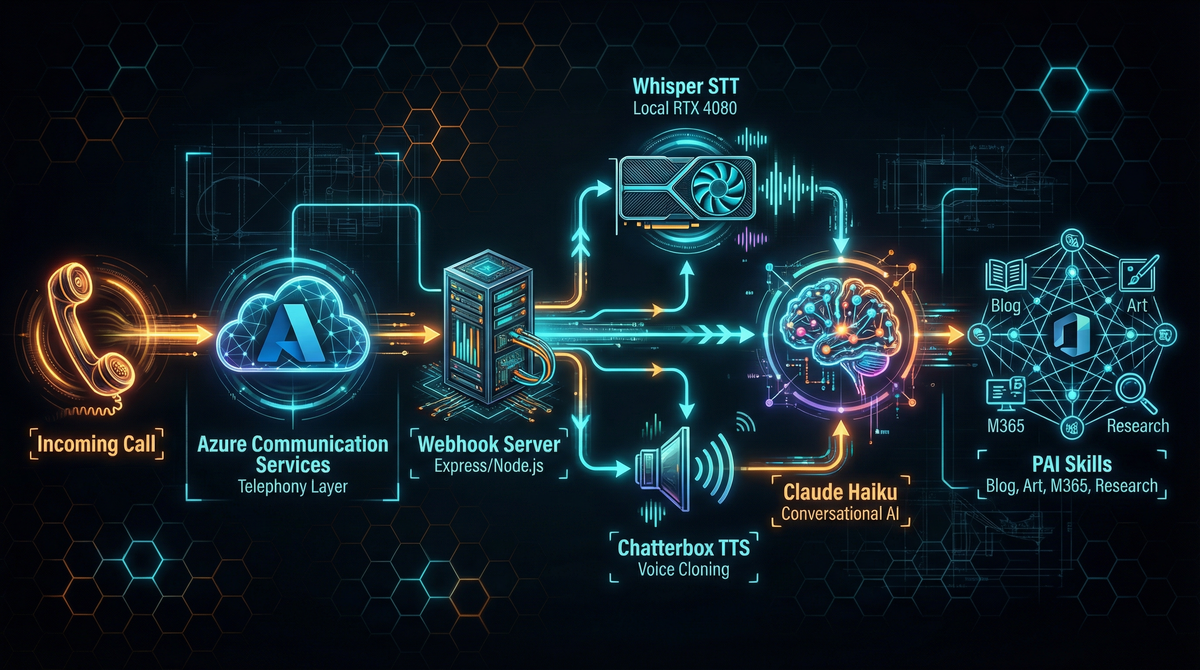
Azure Communication Services (ACS) handles the telephony layer. It manages the phone number, routes incoming calls to my webhook server via ngrok, and handles the audio streaming over WebSocket. ACS is the bridge between the phone network and my local infrastructure.
Whisper STT Server runs locally on my RTX 4080 Super, using the faster-whisper library with the medium model. When audio comes in from the phone call, it’s chunked and sent to Whisper for transcription. GPU acceleration means transcription is nearly instantaneous—typically under 500ms for a typical utterance. Zero per-use cost, and surprisingly accurate even with phone-quality audio.
Claude Haiku API serves as the conversational brain. It receives the transcribed text along with a system prompt containing context about me (my work, family, projects) and decides how to respond. For simple questions, it answers directly. For complex tasks like “write a blog post about the voice server,” it invokes PAI’s full capabilities through a tool call.
Claude CLI is the gateway to the full PAI system. When Haiku decides a task requires PAI’s skills—blog creation, image generation, M365 operations, web research—it spawns a Claude CLI process with the request. This gives voice commands access to everything PAI can do.
Chatterbox TTS Server generates the spoken response. Running locally with voice cloning capabilities, it can speak responses in custom voices. The current configuration uses a cloned voice sample, though it supports multiple voice profiles. Like Whisper, it runs on the local GPU with zero per-use cost.
How a Call Flows
Here’s what happens when I dial in:
- I call the local number
- ACS receives the call and hits my webhook endpoint
- The server checks my phone number against the allowlist
- If authorized, it answers and plays a greeting via Chatterbox
- ACS opens a WebSocket for bidirectional audio streaming
- My speech is collected, silence-detected, and sent to Whisper
- The transcription goes to Claude Haiku with context and tools
- Haiku either responds directly or invokes PAI for complex tasks
- The response text is sent to Chatterbox for synthesis
- The audio streams back through ACS to my phone
The entire round-trip—from finishing my sentence to hearing the response—typically takes 2-4 seconds for conversational queries.
Callback Mode for Long Tasks
Some requests take longer than you’d want to stay on the phone. Writing a blog post, generating images, or doing deep research can take several minutes. For these, the system supports callback mode.
When I ask for something complex like “write a blog post about the voice server with images,” Claude Haiku recognizes this is a long-running task and asks if I want to wait or get a callback. If I choose callback:
- PAI acknowledges the request
- The call hangs up
- PAI works on the task in the background
- When complete, ACS places an outbound call to my phone
- The callback plays a summary of what was accomplished
This post was actually drafted using callback mode. I described what I wanted, hung up, and PAI called me back a few minutes later to confirm the post was created and published.
The Economics of Voice AI
One of the most surprising aspects is how affordable this is to run.
Monthly Fixed Costs:
- Azure local phone number: $1.00/month
- That’s it for fixed costs
Per-Use Costs:
- Inbound calls: $0.008/minute
- Outbound callbacks: $0.013/minute
- Claude Haiku API: ~$0.001 per interaction
- Whisper STT: $0.00 (local GPU)
- Chatterbox TTS: $0.00 (local GPU)
Using a local number instead of toll-free cuts the monthly cost in half and reduces per-minute costs significantly. The real savings come from running STT and TTS locally—those would add $0.006-0.024 per minute if using cloud services.
For a typical interaction: 2 minutes inbound ($0.016) plus Claude API ($0.001) equals less than two cents. Callback mode is even cheaper since processing happens offline.
Future Enhancements
Dynamic Hold Music and Commentary
One feature I’m excited to explore: dynamically generated audio for when you choose to stay on the line during long tasks. Instead of silence or generic hold music, imagine:
- AI-generated background music that matches the mood of your request
- Periodic commentary: “Just finished the outline, now writing the first section…”
- A podcast-style narration of what PAI is doing: “Searching for recent papers on RAG architectures… found 12 relevant sources… summarizing key findings…”
The infrastructure already supports this. Chatterbox can generate speech on demand, and the audio streaming is bidirectional. It would just need STATUS updates from PAI to drive the commentary.
The Red Phone
Here’s a ridiculous future enhancement I can’t stop thinking about: a vintage red telephone on my desk, hardwired to PAI.
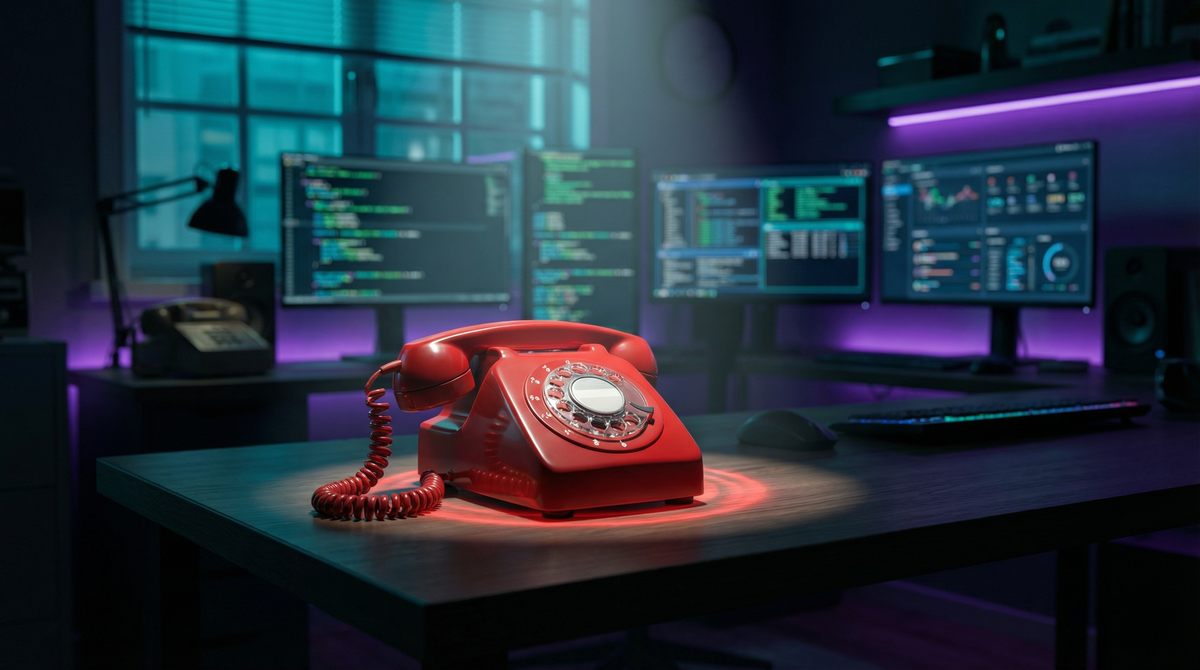
Picture this: an old-school rotary phone (or maybe a dramatic red hotline phone like from Cold War movies) sitting on my office desk. Pick it up, and you’re immediately connected to PAI. No dialing, no cell phone—just pick up the red phone when you need your AI.
The technical side is straightforward: a SIP adapter could connect an analog phone to ACS, or I could use an ESP32 with a cellular module to make it truly standalone. The theatricality of it appeals to me. “Excuse me, I need to take this” picks up red phone “PAI, what’s on my calendar today?”
Multi-Agent Voice
Since PAI already has specialized agents (Researcher, Engineer, Architect) with distinct personalities, voice calls could eventually involve multiple agents. Ask a complex question, and you might hear the Researcher provide background, the Engineer discuss implementation, and the Architect suggest the best approach—each in their own voice.
AI-Generated Visuals
Speaking of PAI’s capabilities, the header image and architecture diagram for this post were generated using PAI’s Art skill. I described what I wanted, and PAI used Nano Banana Pro (via Cloudflare AI Workers) to create the visuals.
This is the power of modular AI infrastructure—skills compose together. The Blog skill orchestrates the writing, the Art skill generates visuals, and now the Voice skill lets me interact with the whole system hands-free.
Try It Yourself
The voice server is built on open-source components:
- Azure Communication Services - Sign up for Azure, create a Communication Services resource, acquire a phone number (local numbers are cheapest)
- Whisper STT - Run
faster-whisperwith GPU acceleration. The medium model balances accuracy and speed well. - Chatterbox TTS - Self-hosted voice synthesis with optional voice cloning
- Webhook Server - Node.js/Express server to handle ACS events and orchestrate the components
- Claude API - Anthropic API key for Haiku (the fast, cheap model perfect for voice)
Total setup time is a few hours, and then you have your own callable AI infrastructure running mostly on local hardware.
Conclusion
Voice interfaces to AI aren’t new, but a voice interface to your own extensible AI infrastructure opens up interesting possibilities. It’s not about replacing existing interaction modes—it’s about adding another that fits certain contexts.
When I’m away from my desk and need to kick off a task, when I want to hear research summaries while doing other things, or when I just want the satisfaction of picking up a phone and talking to my AI—having PAI a phone call away is genuinely useful.
And at a dollar a month plus pennies per call, with most of the heavy lifting done on local hardware, it’s surprisingly accessible.
Now if you’ll excuse me, I need to go shopping for red phones on eBay.
Want to dive deeper into PAI’s architecture? Check out my previous posts on building personal AI infrastructure and PAI’s extensible skill system.